Saluki press kit
Facts, icon and screenshots.
Saluki is a native API client for Mac, iPhone and iPad. It needs macOS 26, iOS 26 or iPadOS 26 or later. It's free for one collection with every feature. Pro is a one-time purchase covering Mac, iPhone and iPad, $29.99 in the US. Made by Youssef Al-Tai; contact [email protected]. App Store privacy label: Data Not Collected.
What it does
- Requests are plain
.httpfiles. - Imports Postman, Insomnia, OpenAPI and curl.
- Imports Paw and RapidAPI for Mac (.paw) files directly. No export step, and Paw doesn't need to be installed.
- Tested on 157 real .paw files from public projects (2014 to 2026).
- The import report flags what Saluki can't convert, such as OAuth, JavaScript values and Paw extensions.
- No account.
App icon

Download PNG (1024 × 1024)

Screenshots
Alt text
One description per file, ready to paste.
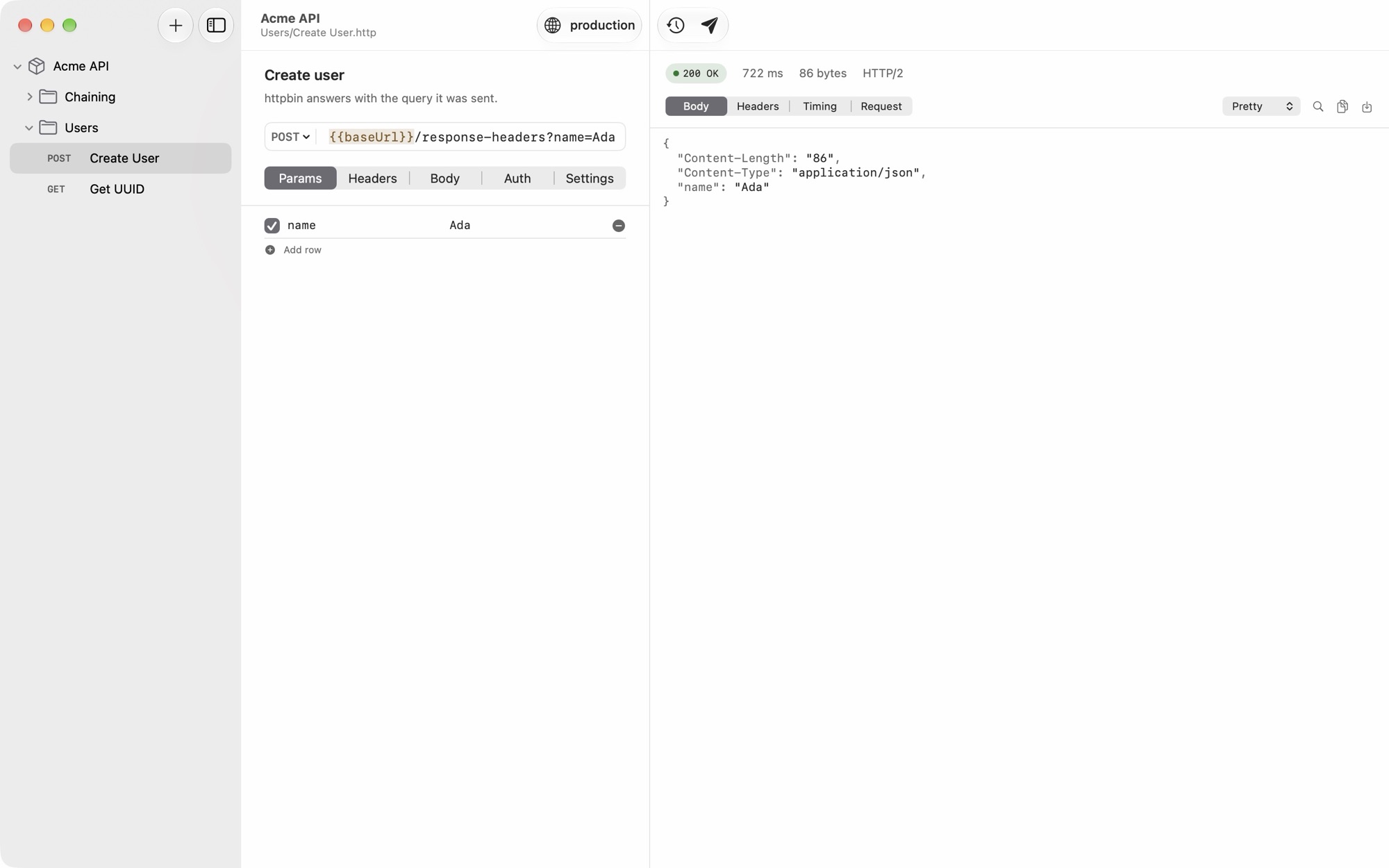
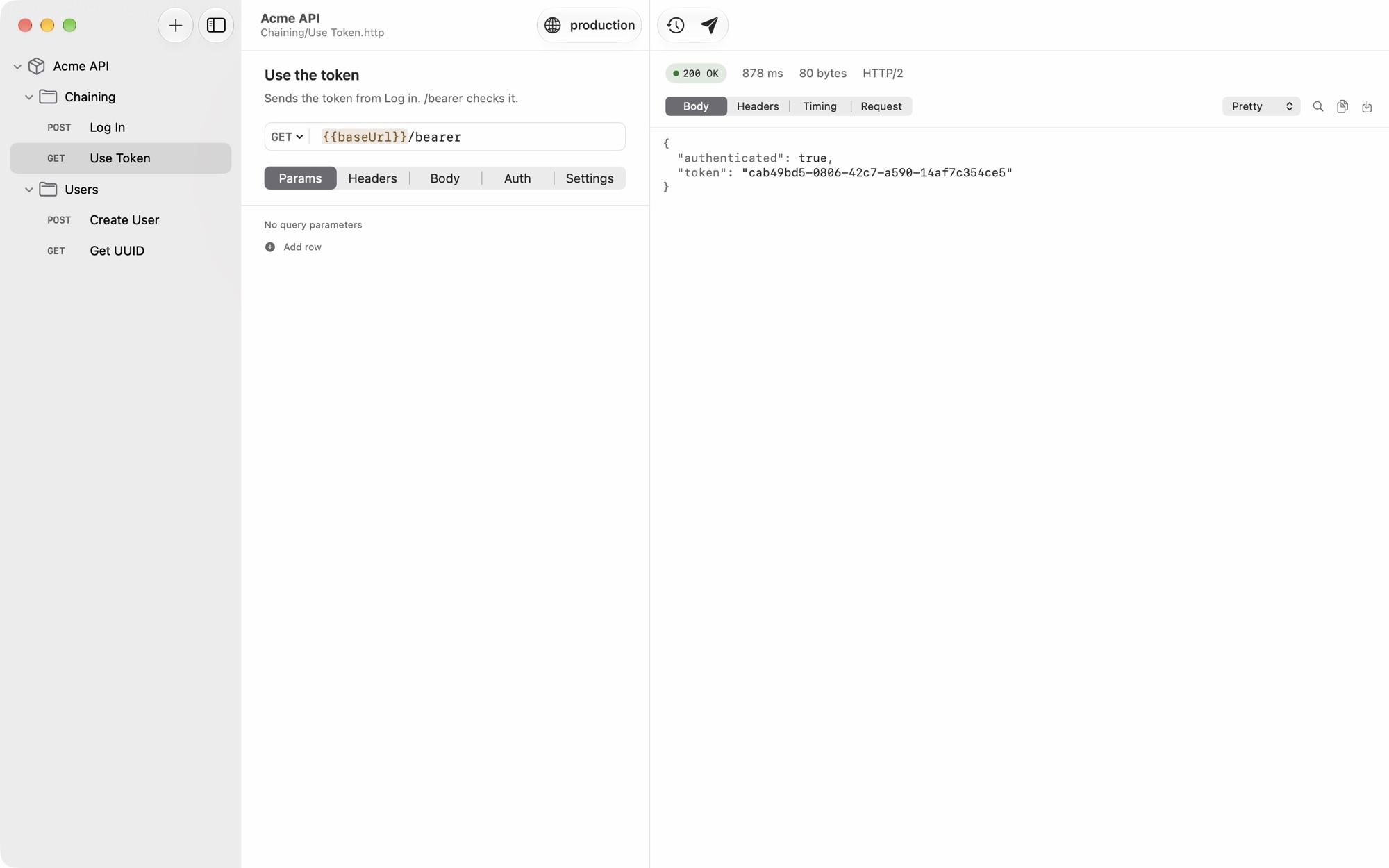
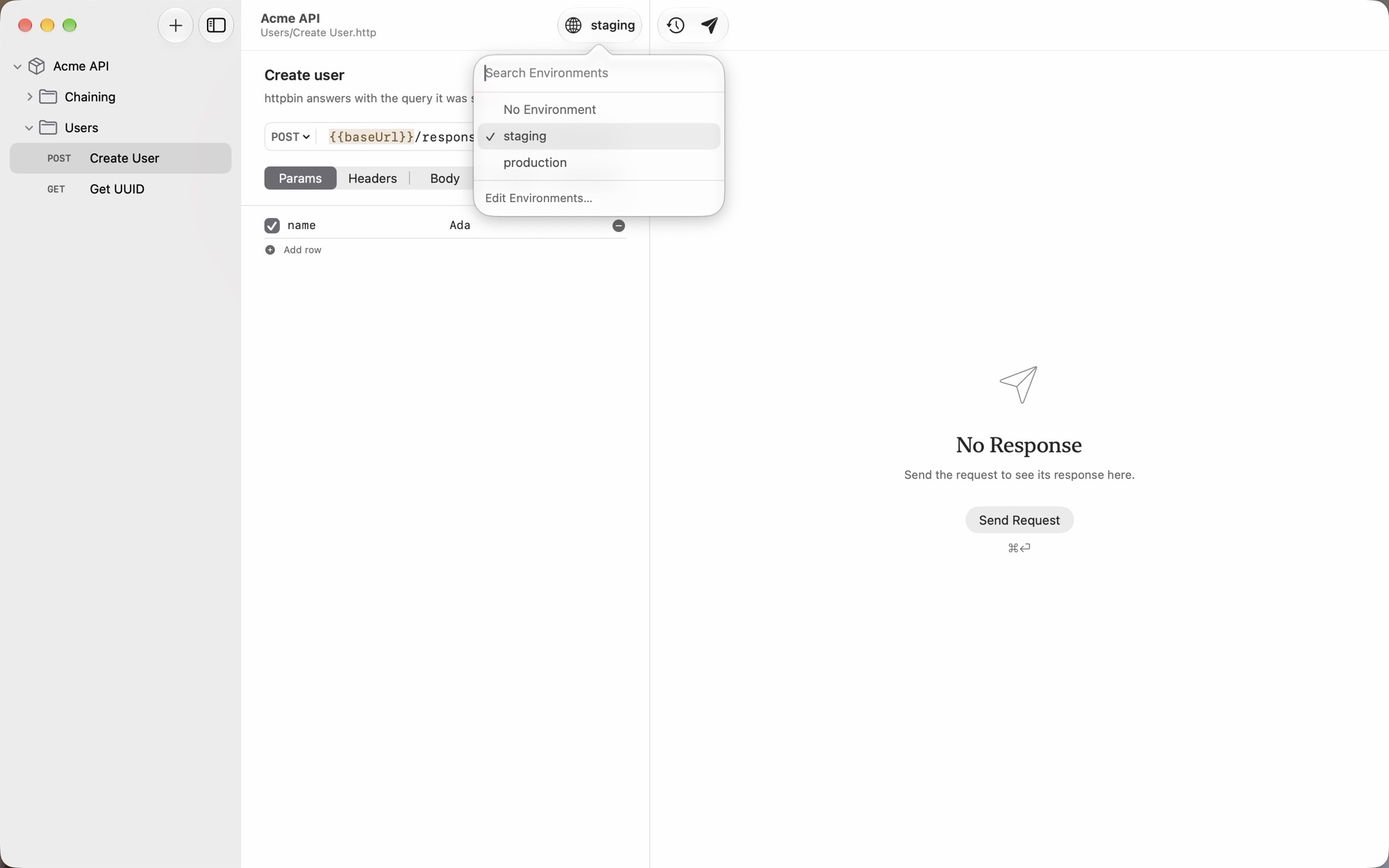
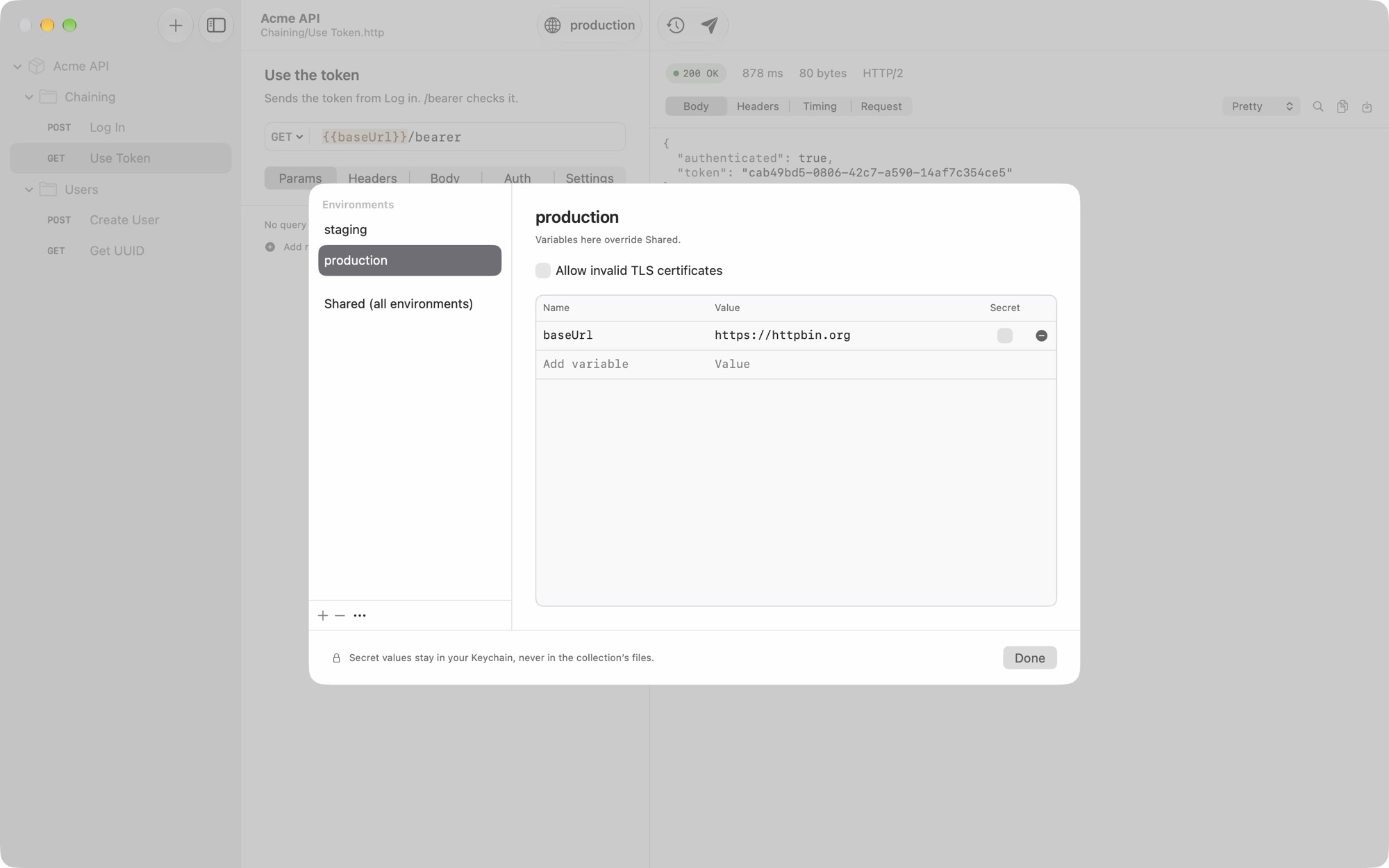
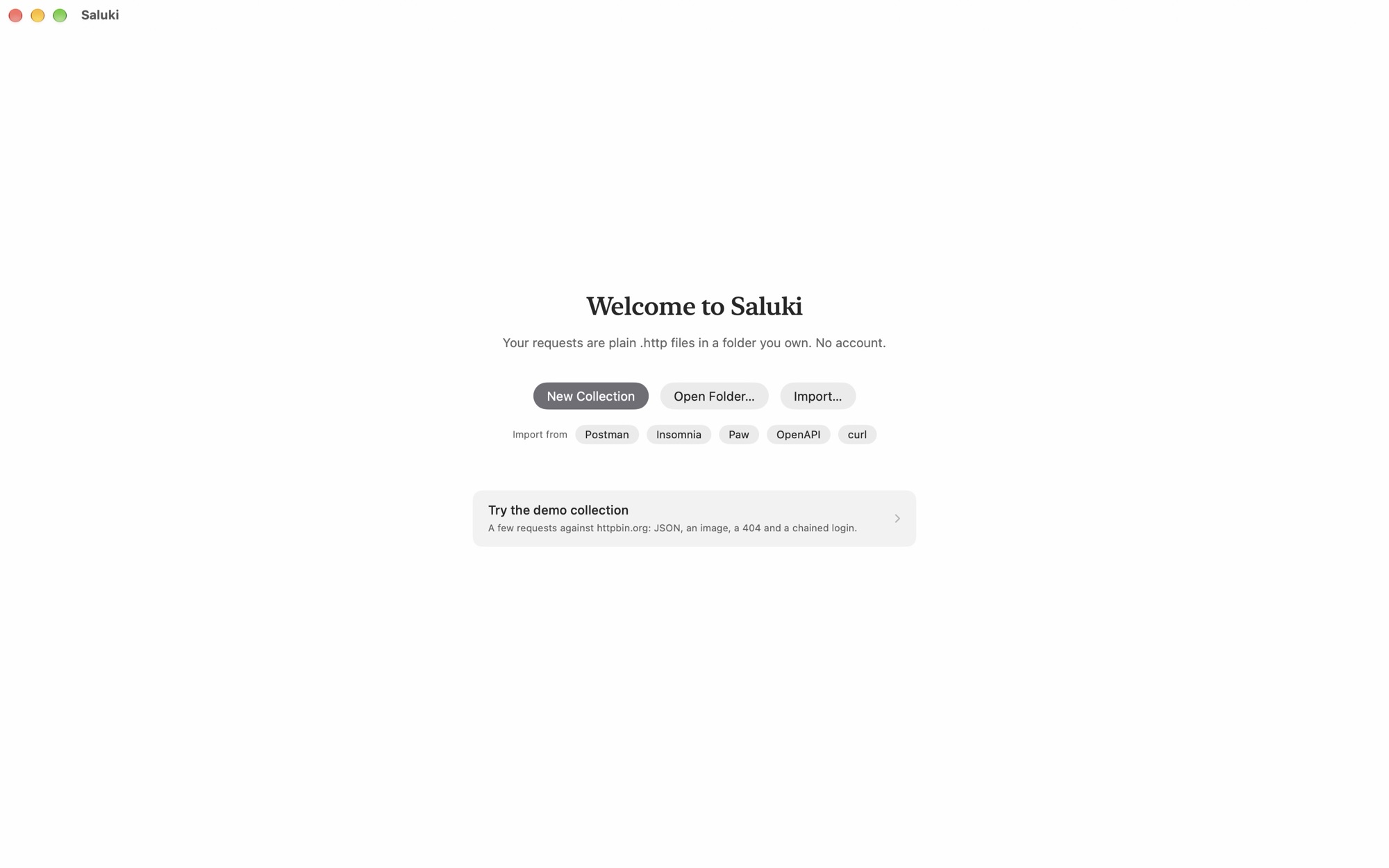
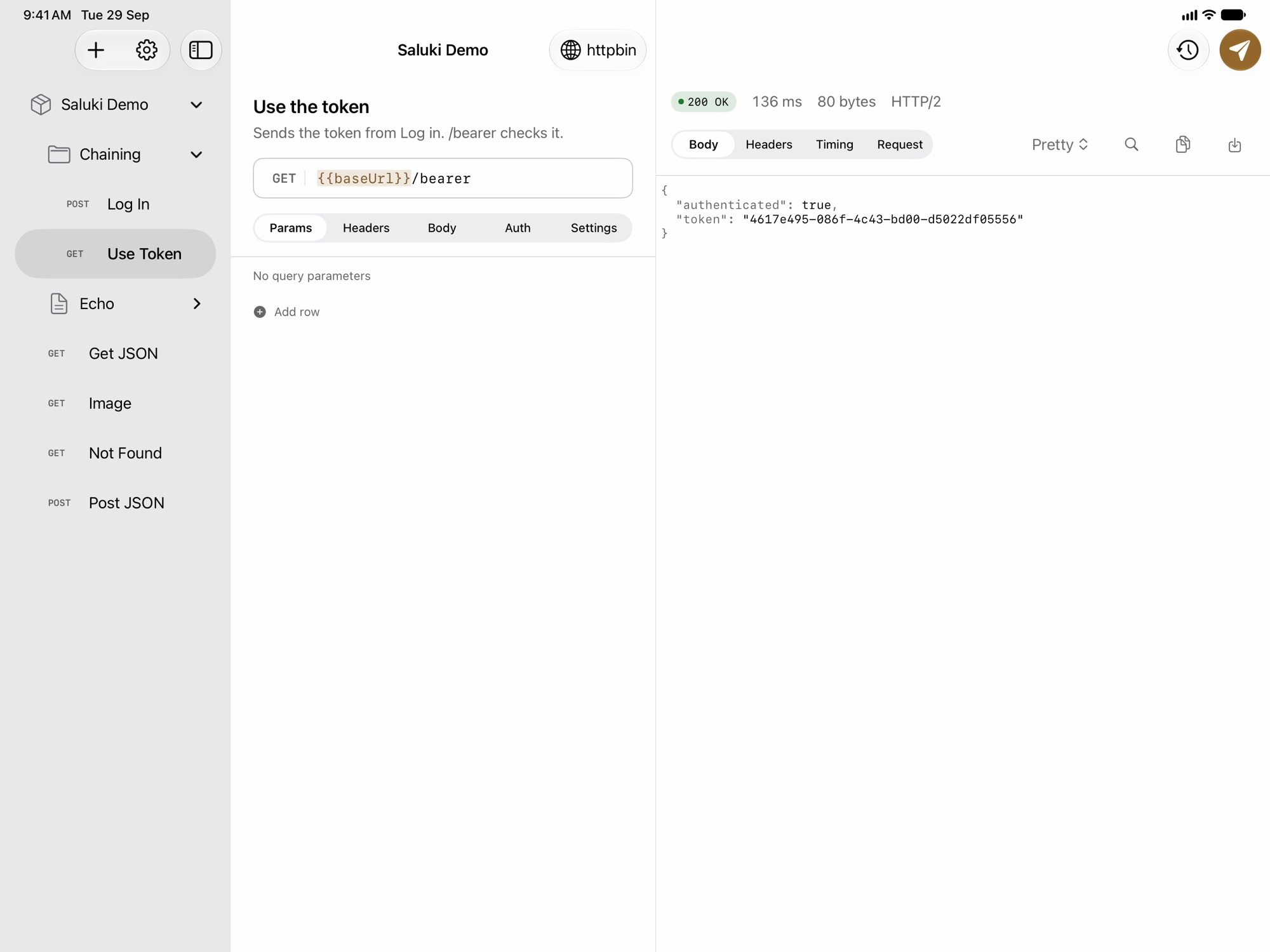
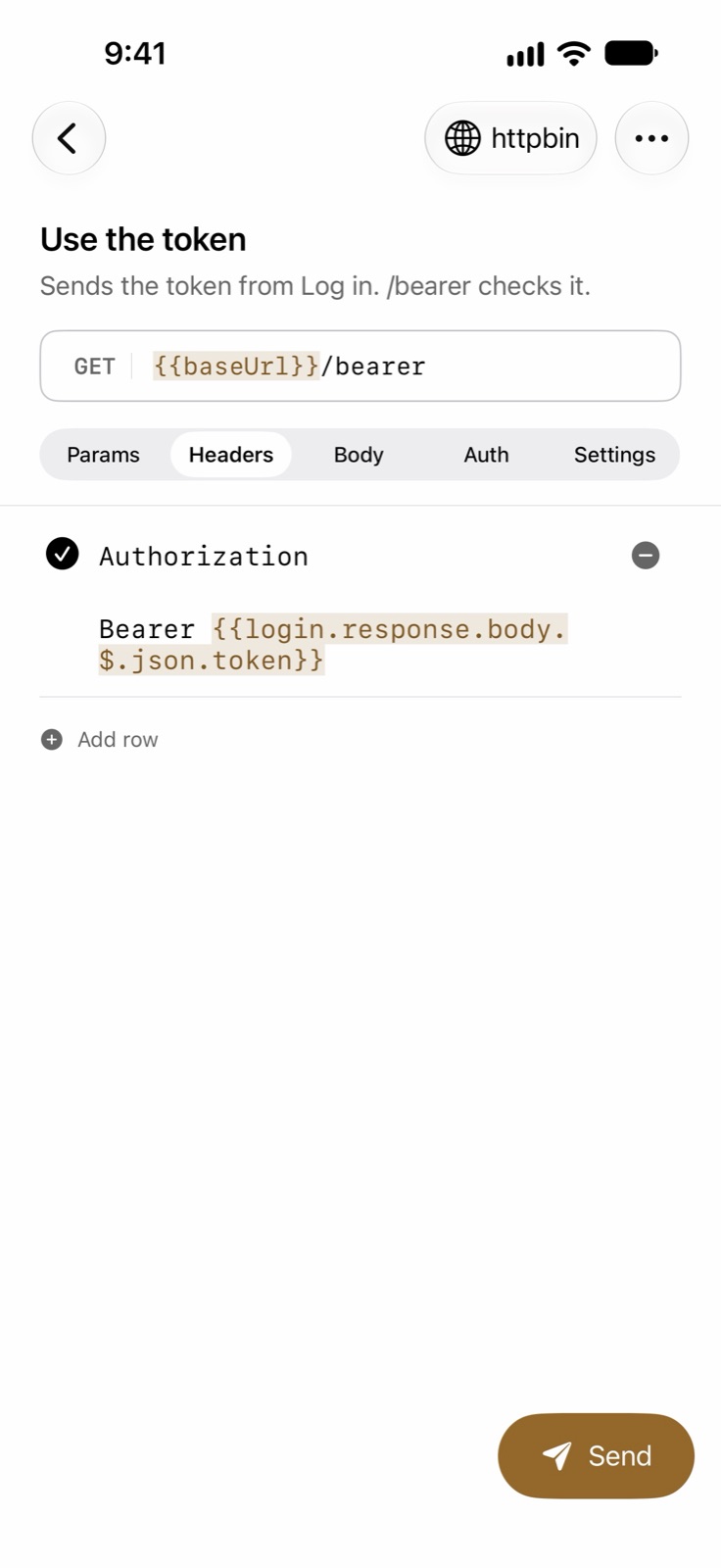
saluki-mac-request.jpg: Saluki on Mac. The sidebar shows the Acme API collection with a Chaining folder and a Users folder holding Create User and Get UUID. The editor shows a POST request to {{baseUrl}}/response-headers with one query parameter, name=Ada. The response pane shows 200 OK and a small JSON body.saluki-mac-chaining.jpg: Saluki on Mac, showing a GET request named Use the token, to {{baseUrl}}/bearer. The response pane shows 200 OK and JSON with authenticated: true and a token value. The sidebar's Chaining folder lists Log In and Use Token.saluki-mac-environments-menu.jpg: Saluki on Mac with the environment menu open, listing No Environment, staging and production, with staging checked, and an Edit Environments item. The response pane says No Response.saluki-mac-environments.jpg: Saluki on Mac with the environment editor open on production: one variable, baseUrl, set to https://httpbin.org, with a Secret column. A note at the bottom reads: Secret values stay in your Keychain, never in the collection's files.saluki-mac-welcome.jpg: The Saluki welcome screen on Mac: “Your requests are plain .http files in a folder you own. No account.” Buttons for New Collection, Open Folder and Import, import shortcuts for Postman, Insomnia, Paw, OpenAPI and curl, and a Try the demo collection card.saluki-ipad-chaining.jpg: Saluki on iPad with three panes: the Saluki Demo collection sidebar, a GET request named Use the token in the editor, and its response, 200 OK with JSON containing authenticated: true and a token value.saluki-iphone-chaining.jpg: Saluki on iPhone, showing the Headers tab of a GET request named Use the token. One header, Authorization, has the value Bearer {{login.response.body.$.json.token}}. A Send button is at the bottom right.
Questions or other sizes: [email protected].